Interactive Brokers | NEWs @ IBKR Vol. 24
News @ IBKR
2024 - Volume 24
NEW PRODUCT
Interactive Brokers Launches
Forecast Contracts on Political
Economic and Climate Indicators


Political
- Will Kamala Harris win the US Presidential Election in 2024?
- Will Donald Trump win the US Presidential Election in 2024?
- Will the Democratic Party win a majority in the United States House of Representatives in the 2024 general election?
- Will the Democratic Party win a majority in the United States Senate during the 2024 general election?
- Will Kari Lake (R) win Arizona's United States Senate election in 2024?
- Will Mike Rogers (R) win Michigan's United States Senate election in 2024?
- Will Tim Sheehy (R) win Montana's United States Senate election in 2024?
- Will Sam Brown (R) win Nevada's United States Senate election in 2024?
- Will Bernie Moreno (R) win Ohio's United States Senate election in 2024?
- Will Dave McCormick (R) win Pennsylvania's United States Senate election in 2024?
- Will Eric Hovde (R) win Wisconsin's United States Senate election in 2024?
Economic
- US Fed Funds Target Rate
- US Consumer Sentiment
- US Housing Starts
- US Retail Sales
- US Building Permits
- US Consumer Price Index
- US Payroll Employment
- US Unemployment Rate
- US Corporate Profits
- US Initial Jobless Claims
- US National Debt
- US Real GDP
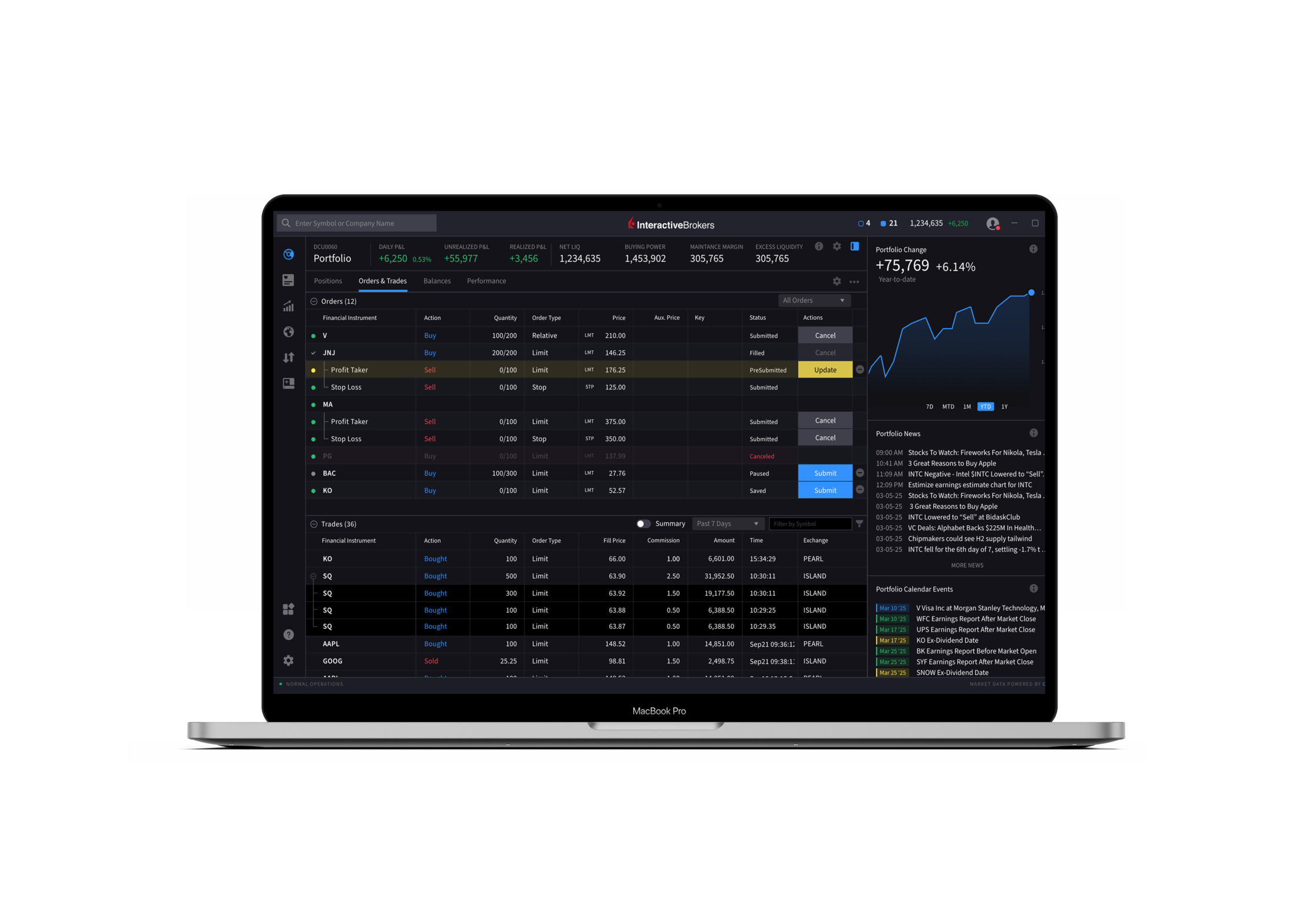
Climate
- Global Temperature
- US Temperature
- Atmospheric Carbon Dioxide

NEW PRODUCTS
Interactive Brokers is Your Gateway
to Saudi Arabia

NEW PRODUCTS
Access the Bursa Malaysia Exchange with Interactive Brokers
- Malaysian Ringgit-denominated Equities and ETFs: Bursa Malaysia Securities Berhad is Malaysia’s sole stock exchange. With a market cap of USD 380 billion and comprised of 970 listed companies, Bursa Malaysia is one of the largest stock exchanges in Southeast Asia. Interactive Brokers is among the few brokers providing access to trade MYR-denominated equities and ETFs in Bursa Malaysia’s Main Market and Ace Market. IBKR helps facilitate access to the exchange by automatically converting your account’s base currency into MYR for trading.
- Crude Palm Oil Futures (FCPO): FCPO is a Ringgit Malaysia (MYR) denominated Crude Palm Oil Futures Contract traded on Bursa Malaysia Derivatives. Since October 1980, it has provided market participants with a global price benchmark for the Crude Palm Oil Market.
- FTSE Bursa Malaysia KLCI Futures (FKLI): FKLI is a Ringgit Malaysia (MYR) denominated FTSE Bursa Malaysia Kuala Lumpur Composite Index (FBM KLCI) Futures Contract traded on Bursa Malaysia Derivatives, providing market participants with exposure to the underlying FBM KLCI constituents. It is actively used by both institutional and retail investors in their respective trading portfolios.

IBKR ADVANTAGE
Interactive Brokers Enhances Market Access with Extended Trading on Eurex/KRX Link

NEW OFFERING
US and Canadian Shares Are Now Eligible for the Dividend Reinvestment Program

Expanded Offering
Automate Your Investing with Recurring Investments
IBKR Advantage
Additional Security for the Uninvested Cash Held in Your Brokerage Account

IBKR ADVANTAGE
Protecting Your Account
- Factor One: Each account requires a unique username/password combination for access.
- Factor Two: Secure Login System. Participants receive a personal security device that provides a randomly generated security code. This code is used with your username and password to access secure areas. Click here for additional details on the Secure Login System.
- IBKR deploys 2048-bit EV Certificates, TLS 128-bit or higher encryption to establish a secure connection and ensure the confidentiality and integrity of information passed between your computer and IBKR. Activate SSL by checking the "Use SSL" box on the TWS login dialog. Using SSL may impact the performance of your PC depending on its capabilities.
- Automated monitoring systems ensure only strong encryption algorithms are used.
- IBKR enforces all website traffic to use encryption.
- EV (Extended Validation) technology verifies that you are on a protected website.
- Restricts access to TWS to a specific list of IP addresses. In cases where multiple traders have access to an account, these restrictions can be set at the individual trader level.
- IBKR restricts account access following a specified number of failed login attempts.
- We have built in an auto-logoff feature that logs you out of the application after a specified period of inactivity.
- All statements are accessed through secure login to Portal.
- We employ state-of-the-art transaction monitoring systems and maintain a dedicated security team that is responsible for detecting suspicious activity. If an unusual or suspicious transaction is noted, a member of this team may contact you to confirm the validity of the transaction. If contacted, you will never be asked to provide your password and we encourage that you call back and request to speak to the security team employee via our toll-free number 1-877-442-2757 to first confirm their identity. If you believe that your account has been compromised, you should notify IBKR immediately via our toll-free number 1-877-442-2757.
- Spyware
This refers to software inadvertently downloaded from the Internet when you visit certain websites. Spyware covertly gathers information from your computer without your knowledge. Once installed, spyware monitors your activity on the Internet and transmits that information (including usernames and passwords) to an unauthorized recipient. You should install anti-spyware software on your computer to detect and remove spyware. - Phishing
Thieves use phishing to obtain sensitive information by masquerading as a trustworthy institution. Phishing is typically carried out via an email that contains a link to what appears to be an authentic website. These counterfeit sites prompt you to enter your personal information, which the thieves then use to access your accounts. Note that IBKR will never send an email requesting sensitive information such as your password or social security number. If you receive a suspicious email which identifies itself as originating from IBKR do not respond, and immediately notify our security team by calling toll-free in the US at 877-442-2757 or direct at 312-542-6901. - Viruses, Worms & Trojan Horses
These malicious programs can cause severe and irreparable damage to your hardware, software or files, and in some cases can open your system to unauthorized access and allow confidential information to be compromised. These programs, which differ on how they spread and replicate, are best controlled by first ensuring that your operating system is up-to-date and then installing anti-virus software, making sure that you frequently download updates to obtain the latest fixes.
New Tools
New Features Added
to IBKR Trading Platforms
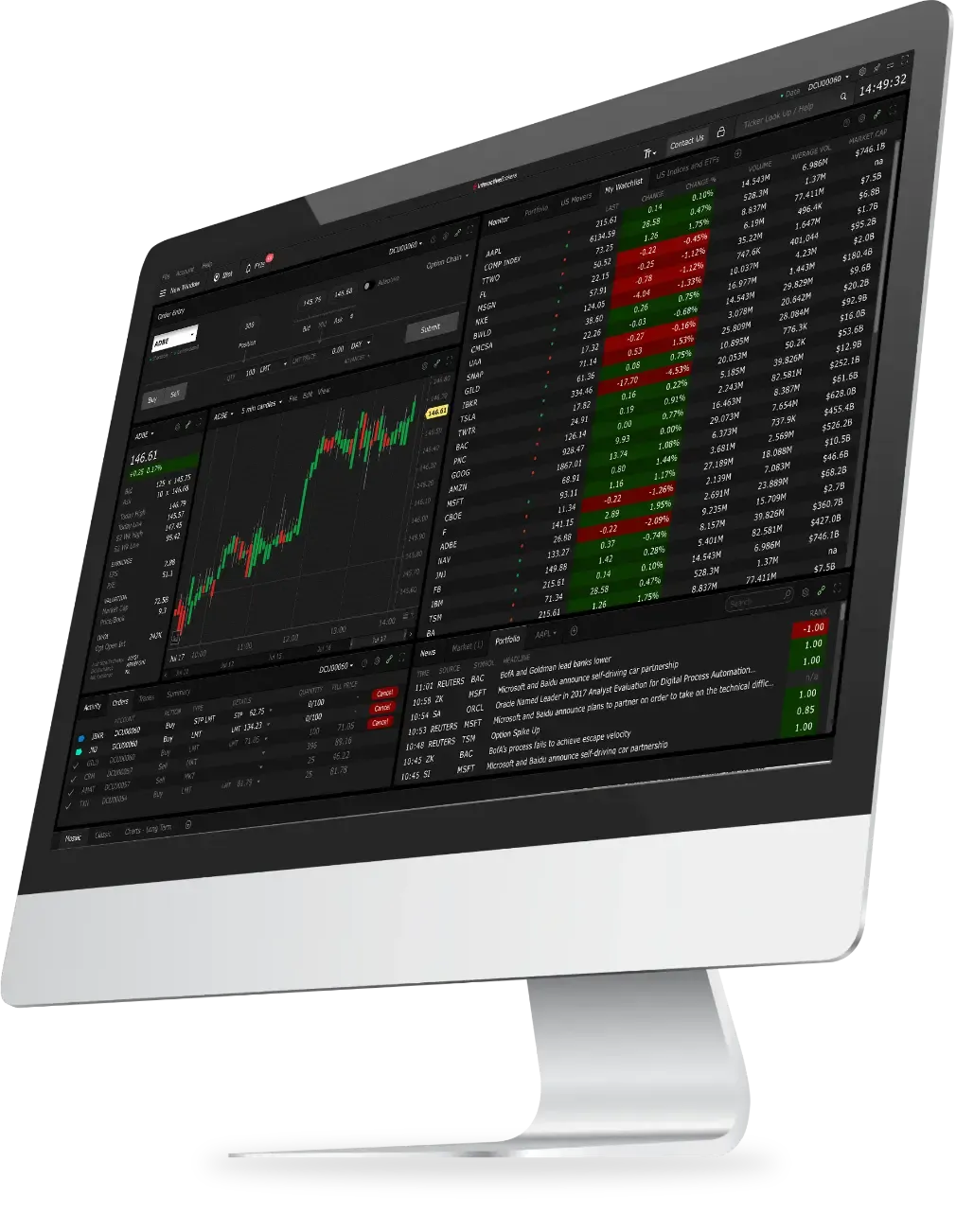
IBKR Trader Workstation (TWS)
- Multi-Stock Tax Loss Harvesting Tool
Now you can harvest losses across all stocks in your portfolio at the same time! You can access the tool from the Classic layout by opening the Portfolio tab and finding the Tax Loss Harvesting tool link at the top of the table. - Bond Accrued Interest
Prior to placing a trade, bond traders may now view accrued interest on the Order Preview window. You may view this information from:- Classic TWS: Add the bond to a watchlist and right-click to buy or sell. When the Order Line appears, right-click on this line and select Check Margin Impact.
- Mosaic: Enter the Order Parameters for the trade in the Order Ticket and click the Advanced button followed by Check Margin. At the bottom of the pop-up, Accrued Interest will be displayed.
- Outside RTH and Algo Presets - Streamlined
Algo orders placed with the 'Fill outside RTH' preset enabled were previously being rejected due to the preset. Now, you may submit these algo orders, and our system will ignore the 'Fill Outside RTH' preset. - Option Liquidity Tool
The Option Liquidity Tool offers the opportunity for clients to interact with IBKR SmartRouted™ order flow and have their orders filled in between the National Best Bid/Offer (NBBO). The IBUSOPT destination helps traders execute options trades more efficiently and effectively and helps achieve better executions by providing traders with more control over their trades by supporting different order types.- Classic TWS: From the Trading Tools menu, select Option Liquidity Tool.
- Mosaic: Use the New Window drop down and from the Option Tools section select Advanced Option Tools and then select Option Liquidity Tool.
- Option Exercise Column
We have added an Option Exercise market data column which gives investors the ability to view the current In The Money value for an options contract. - Round Allocation Quantity to Exchange Board Lot
We added an Advisor Setup Preset that rounds individual allocations to the exchange's board lot quantity. A board lot is a number of shares prescribed by a stock exchange as a trading unit. Various non-US exchanges may use variable board lots that are dependent on the price of the stock.
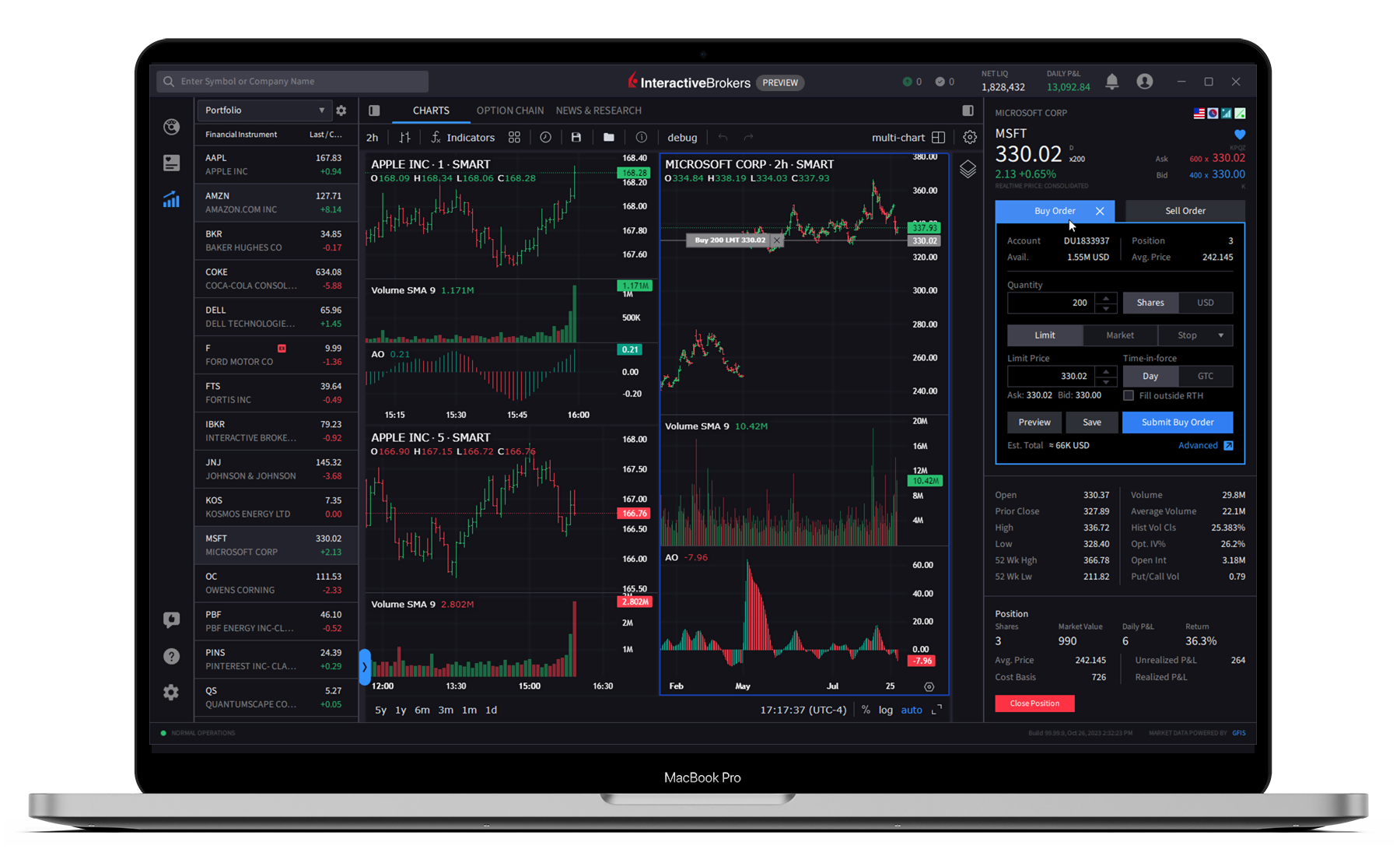
IBKR Desktop
- Custom Windowing/Docking
You can now customize your workspace by docking up to 15 tools in your layout. Choose from default layouts such as Charting, Trading or News & Research, or create a custom layout. Drag, re-order and re-size the tools that best suit your view. - Bond Search
Easily look for bonds by typing in the name of the bond in the search bar. - Screeners Saved Library
Create and save custom Standard or MultiSort Screeners. - Overnight Trading
Overnight trading for US equities is now supported in IBKR Desktop.
- Skip Order Confirmation
We now offer the ability to skip the order confirmation pop-ups that appear when submitting a trade, allowing you to place trades seamlessly in fewer clicks. - Recently Searched Contract List
The Quote panel now offers a Recently Searched list. This list will provide any symbols that have been recently added to a watchlist or searched. - Alerts Management Enhancements
You can now create alerts in the Quote Details panel by clicking on a clock icon.
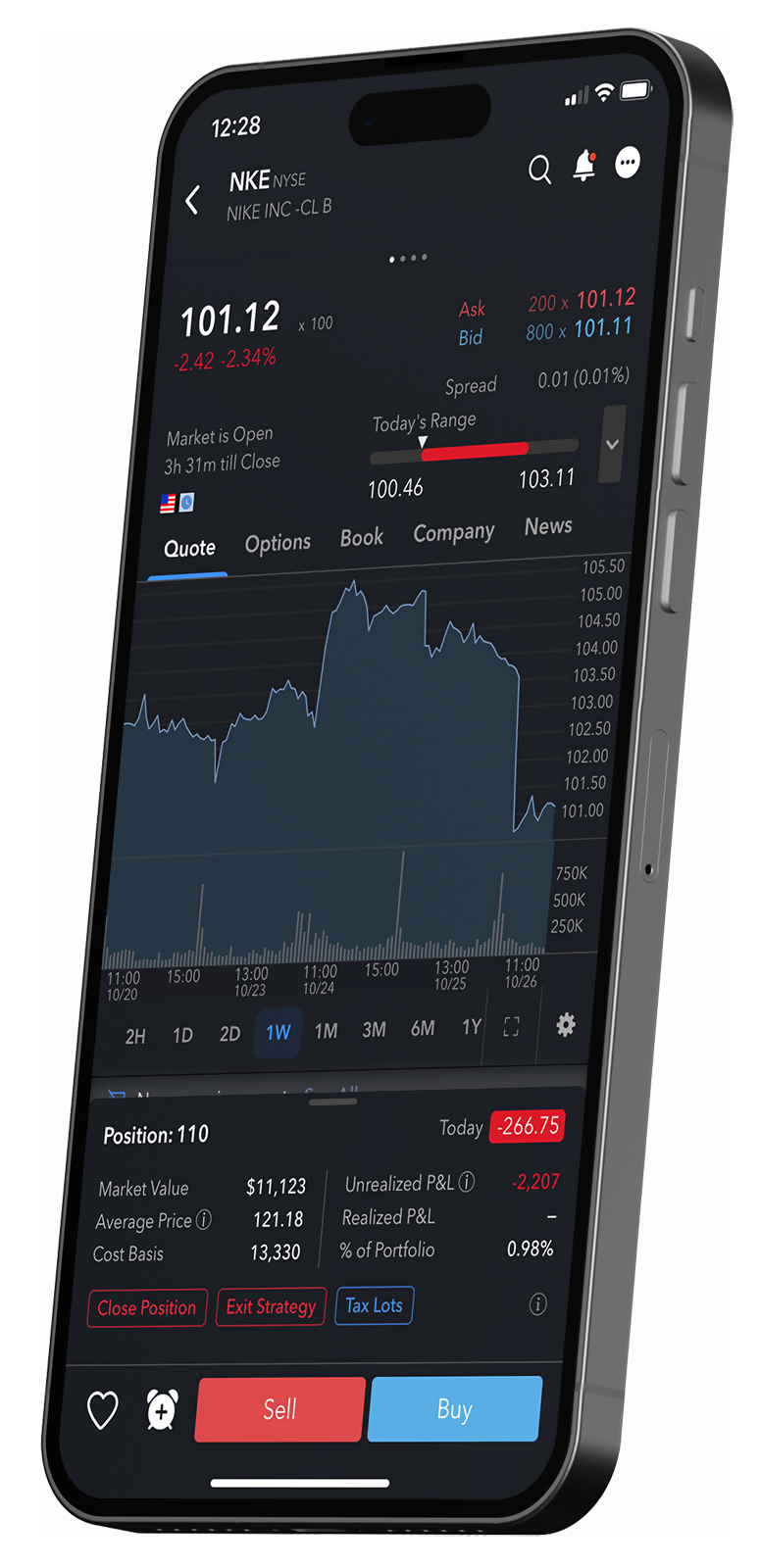
IBKR Mobile
- iOS
Display Improvement: You can now add a 6th tab to the tab bar that provides direct access to Transactions. Just navigate to Settings > Display > Customize Navigation Bar and enable the tab.
One Cancels Another: We have added the One Cancels Another order type in IBKR Mobile. Navigate to the Order Ticket (select a product from your Watchlist or Portfolio) and scroll to find the "One Cancels Another" drop-down menu. Select the additional orders and indicate whether you would like to buy or sell. - Android
Updates to Conditional Orders and Direct Debit/Check Deposits: Conditional orders automatically submit or cancel your order if your defined criteria are met. Set conditions on price, change %, volume, margin cushion, another instrument being traded and more! We have also added Direct Debits and Check Deposits tabs to the Transactions screen.
One Cancels Another: We have added the One Cancels Another order type in IBKR Mobile. Navigate to the Order Ticket (select a product from your Watchlist or Portfolio) and scroll to find the "One Cancels Another" drop-down menu. Select the additional orders and indicate whether you would like to buy or sell.
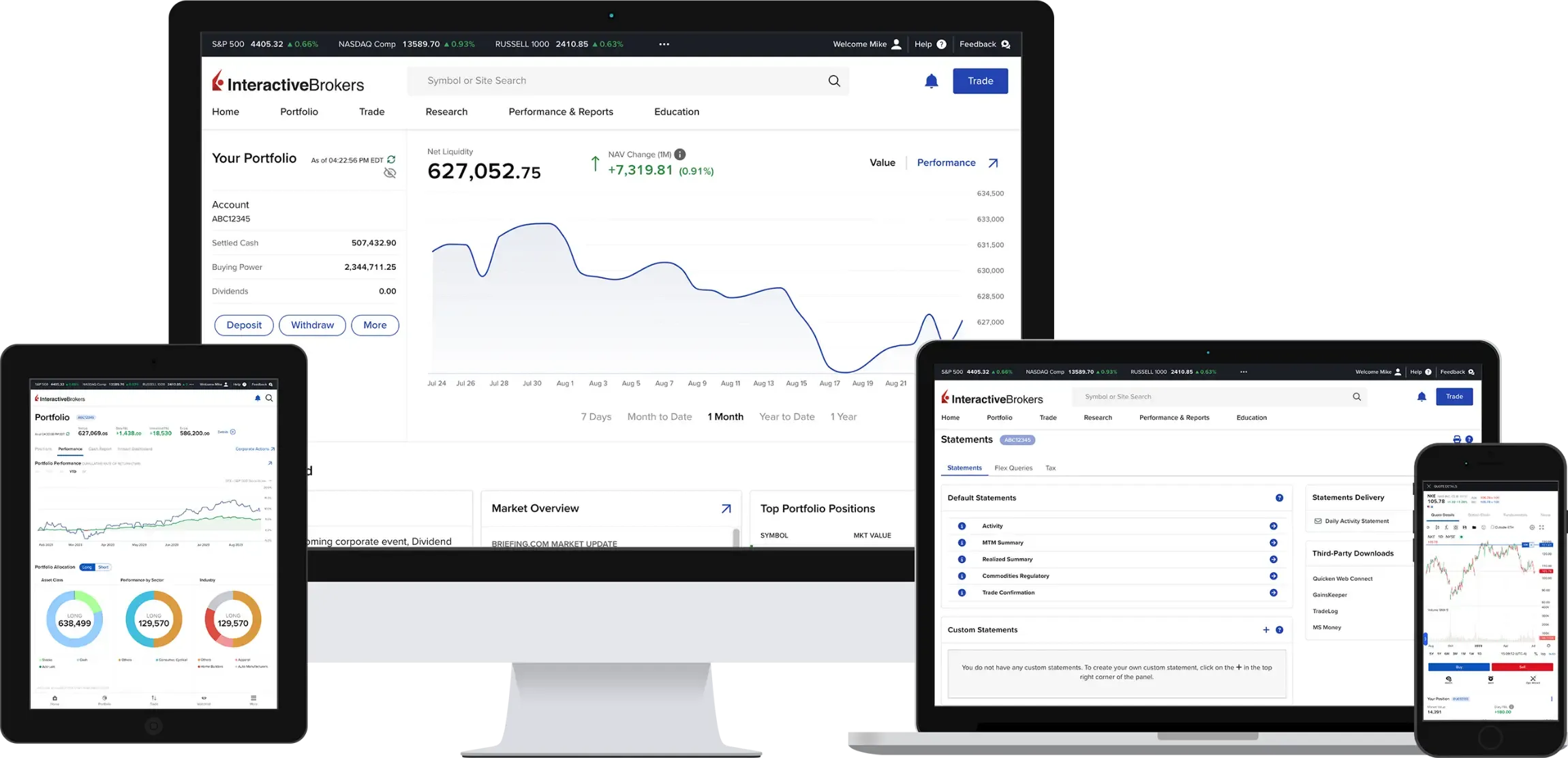
Client Portal
- Navigation and Display Changes
You can now access the new Market Screener from the Research menu and Third-Party Reports was moved to the Performance & Reporting menu. In addition, Screeners can now be viewed in normal or wide mode, includes Color Rank and a "walk-through" guide for the new Scanners UI.
IBKR GlobalTrader and IMPACT
IBKR GlobalTrader and IMPACT provide a streamlined experience for trading stocks, ETFs and options worldwide. Invest with as little as $1 and trade in fractions. Visit our website to learn more.
Scan to download the
IBKR GlobalTrader app.
Scan to download the
IBKR Mobile app.
Scan to download the
IMPACT app.
Download
IBKR GlobalTrader


Download
IBKR Mobile
Download
IMPACT
NEW TOOL
New Services for
Advisors of Any Size
Interactive Brokers offers turnkey solutions that help advisors of any size build competitive advantage, efficiently manage their business and serve clients at lower cost.

NEW TOOL
New Services for
Advisors of Any Size
- Docusign for ORG Accounts:
Advisors will now be able to use Docusign for semi-electronic ORG applications. Learn more about Docusign. - Advisor Fee Invoicing Limits for New Clients:
We enhanced our electronic invoicing processing, which is designed to assist advisors as they are adding new clients or migrating business to IBKR. This improved logic allows you to invoice new clients for a limited time after the accounts have been opened or funded based on the value of the client’s account at the time an invoice is submitted. Learn more about Invoicing Limits for New Clients. - Advisor Authorization Enhancement:
Advisors can obtain specific authorization from a client to modify additional settings in the client account. Learn more about Advisor Authorizations. - Enhancements to Advisor Portfolio Trading Capabilities:
Portal supports more complex trading items (rebalance/Tax Loss Harvesting/Portfolio View). Learn more about Advisor Portal's Trading Capabilities. - Employee Plan Administrator Accounts:
The Employee Plan Administrator account lets advisors offer self-employed individuals and companies of less than 100 employees a Savings Investment Match Plan for Employees Individual Retirement Account (SIMPLE IRA). Once the Employee Plan Administrator account is opened by a client and then associated with an advisor on the IBKR platform, up to 100 employees can be invited to open SIMPLE IRA accounts. The deposits/contributions to SIMPLE IRA accounts are managed under a single login and the advisor manages the SIMPLE IRAs. Trading and broker transfers are not permitted. Learn more about the Employee Plan Administrator account.
- Form ADV Worksheet:
We now provide US advisors with the ability to generate a report which is designed to assist registered advisors with filing their Form ADV. Learn more about the Form ADV Worksheet. - PortfolioAnalyst – Client Profiles:
Advisors can now add Customer Profiles to Custom PortfolioAnalyst reports to assist with client information reviews and compliance obligations. Simply elect to add the "Profile" to Custom PortfolioAnaylst reports to include the following fields: Ages, Investment Objectives, Estimated Net Worth Annual Net Income, Investment Experience, and more. Learn more about PortfolioAnalyst Client Profiles. - Commentary Generator:
This innovative tool leverages generative AI to automatically create reports for clients that summarize their latest portfolio performance and ticker-specific news. The Commentary Generator automatically compiles and summarizes the latest portfolio performance updates and ticker-specific news from industry-leading sources such as Benzinga, Traders' Insight, the Fed's Beige Book, and others. This feature is designed to streamline your workflow, saving you valuable time. Learn More about the Commentary Generator.
EXPANDED OFFERING
PortfolioAnalyst
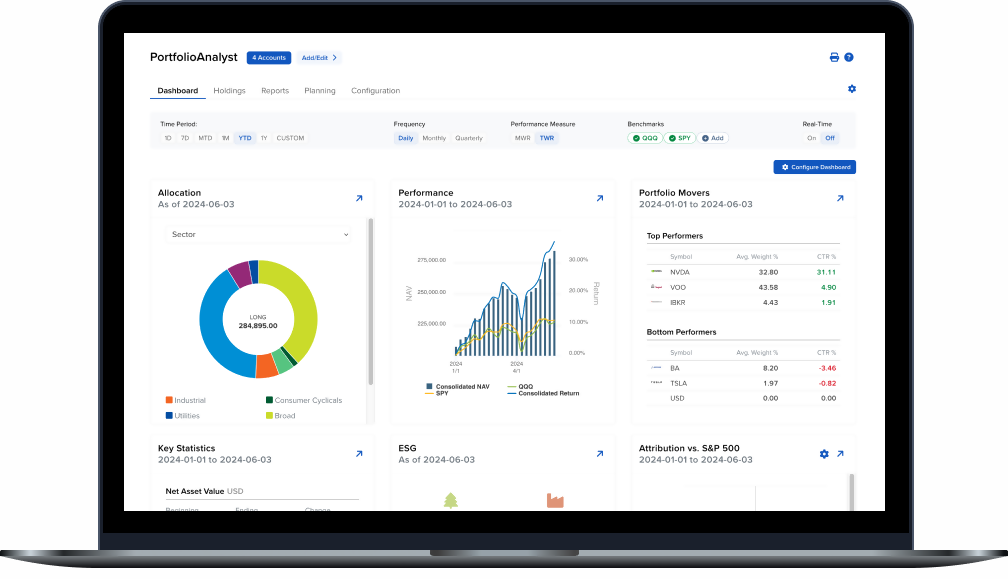
Brokerage Accounts
Bank Accounts
Annuities
Student Loans
Mortgages
Credit Cards
Auto Loans
Other Assets or Liabilities
NEW PRODUCTS
It's Easier than ever to Find
Your Next Investment Opportunity
- Trade US Treasuries, European Government Bonds and UK Gilts Around the Clock Five Days per Week
Trade US Treasuries, European Government Bonds and UK Gilts 22 hours each day to respond swiftly to market news and economic events as they occur, regardless of time and location. The daily trading session opens at 8:00 pm US Eastern Time (ET) and closes at 5:00 pm ET. Trading hours from November to early March are 7:00 pm to 5:00 pm ET.
- Malaysian Ringgit (MYR)-denominated Equities and ETFs
- Crude Palm Oil Futures (FCPO)
- FTSE Bursa Malaysia KLCI Futures (FKLI)
- Warrants listed on Cboe Australia
- Tuesday/Thursday Weekly FOP on Crude Oil Futures (NL1-5, XL1-5)
- Via CBOT: Weekly New Crop FOP on Corn (ZC: CN1-CN5)
- Via CBOT: Weekly New Crop FOP on Soybeans (ZS: SN1-SN5)
- 85 ETFs for Northbound trading to Stock Connect
- Futures Options
- FOP on Hang Seng TECH Index Futures (PTE)
- Hang Seng China Enterprises Index Futures Options (PHH)
- Hang Seng Index Futures Options (PHS)
- Sapphire Options
- SGX Bermudan Warrants
- SGX Three Month Tokyo Overnight Average Rate Futures (TONA)
EXPANDED OFFERING
New Funds and Fund Families
Available at the Mutual Fund Marketplace
Global Fund Families
- Ask Capital Management
- COBAS Asset Management (LU)
- Franklin Templeton Investment Management (AE)
- HSBC Global Funds ICAV (IE)
- HSBC Investment Funds SA (IE)
- Mercer Global IM (IE)
- Multiconcept (LU)
- UBS (lrl) Fund plc
US Fund Families
- 1919 Funds
- Delaware Investments
- Ironclad Funds
- Ramirez Funds
- SP Funds
- X Squared Funds
EXPANDED OFFERING
Additional News and Research
Providers Available on the IBKR Platform


- Discovery Tool
- Individual Tool

Smart Investors Never Stop Learning


Select a Course Title to learn more and register for the course:
Updated courses:

Select a Webinar Title to learn more and participate:

Featured Articles


Featured Articles

New Features
2024
IBKR Awards

2024 Investing in the Web Global Broker Awards
- Best Broker Overall
- Best Broker for Options: Read More
- Best Broker for Bonds: Read More
- Best Broker for Corporate Accounts: Read More
- Best ESG and Impact Investing App (for IMPACT, by IBKR): Read More
- Best Broker for LLCs: Read More
- Best European Trading App: Read More
- Best European Trading Platform: Read More
- Best Trading Platform in the UAE: Read More
2024 StockBrokers.com Review
- #1 Bond Trading
- #1 Day Trading
- #1 ESG Investing
- #1 Fractional Shares
- #1 International Trading
- #1 Investment Options
- #1 Mobile Trading Apps
- #1 Order Execution
- #1 Platforms and Tools
- #1 Platform Technology
- #1 Professional Trading
- #1 Sentiment Investing
- Best in class: Beginners
- Best in class: Commissions and Fees
- Best in class: Education
- Best in class: Futures Trading
- Best in class: High Net Worth Investors
- Best in class: IRA Accounts
- Best in class: Options Trading
- Best in class: Research
- Best in class: Overall

2024 Investopedia Awards
- Best for Advanced Traders
- Best for International Trading
- Best for Risk Management
- Best for Generating Stock Trading Ideas
- Best for Algorithmic Trading
2024 ForexBrokers.com Online Broker Review
- 5 out of 5 stars Overall
- #1 Professional Trading
- #1 ESG Offering
- #1 Institutional Clients
- #1 Offering Investments
- #1 Platform Technology
- Best in class: Overall
- Best in class: Algo Trading
- Best in class: Commissions and Fees
- Best in class: Crypto Trading
- Best in class: Education
- Best in class: Mobile Trading Apps
- Best in class: Platforms and Tools
- Best in class: Trust Score
- Best in class: Research


2024 The Ascent - A Motley Fool Service Review
- Best Stock Broker for International Trading